

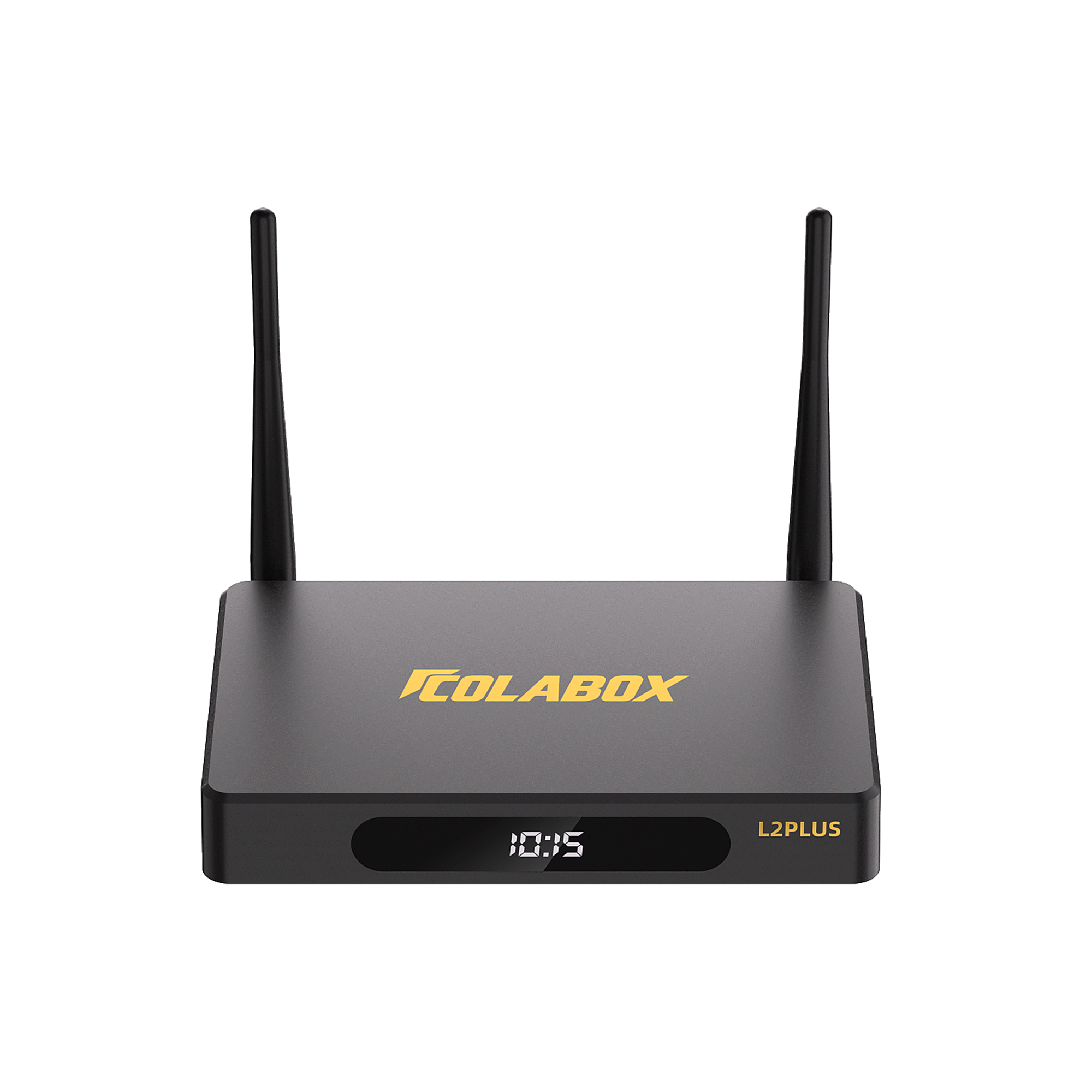


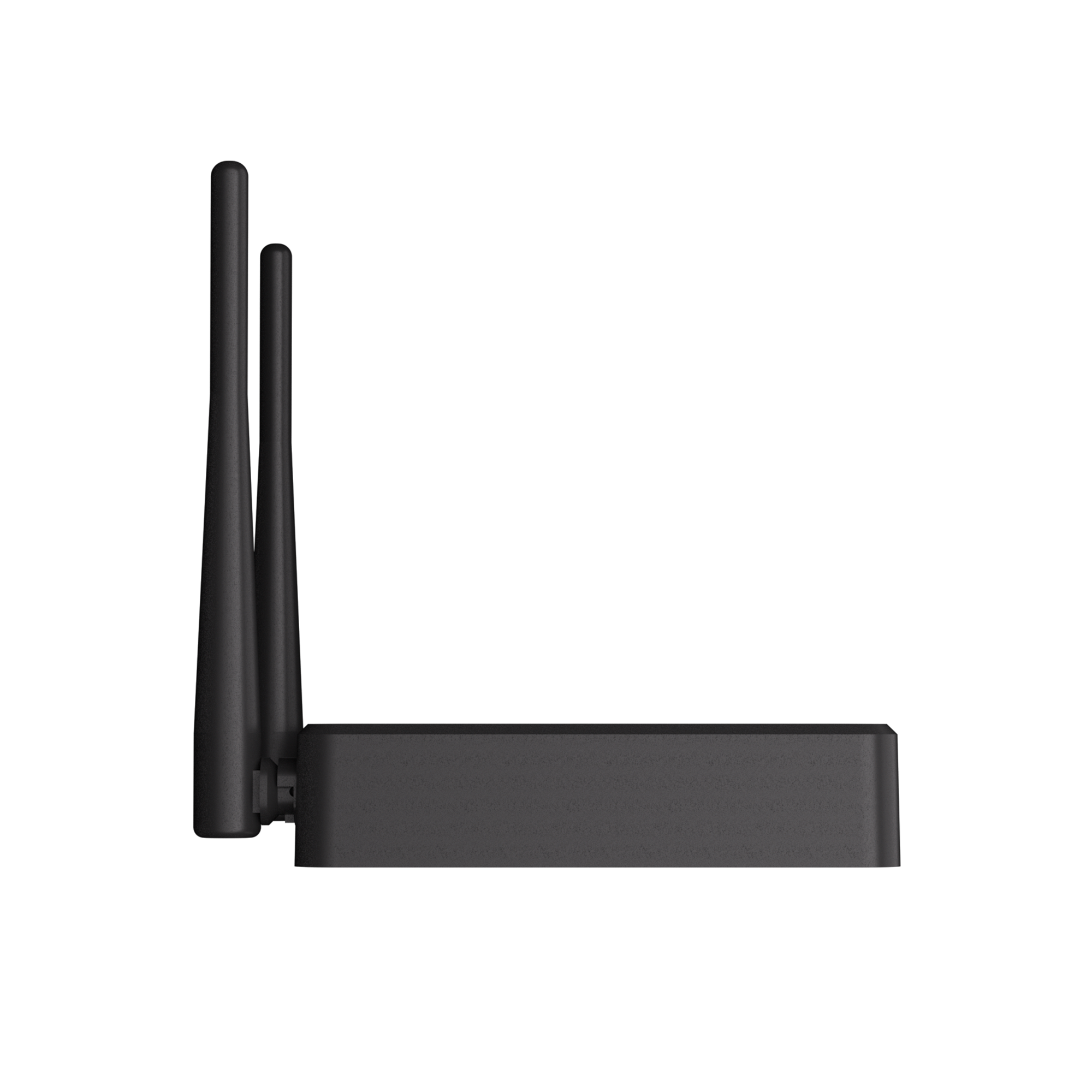
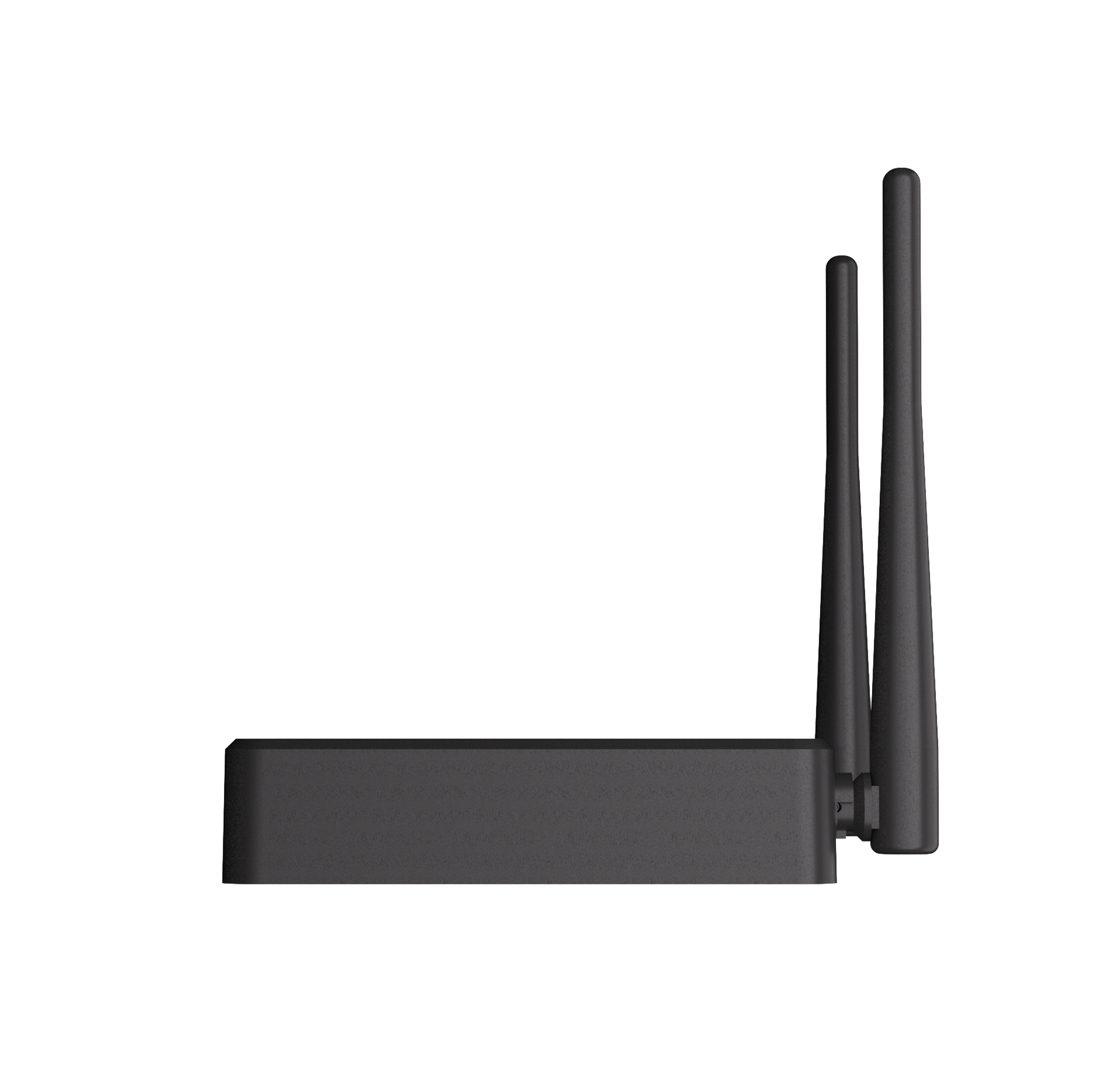

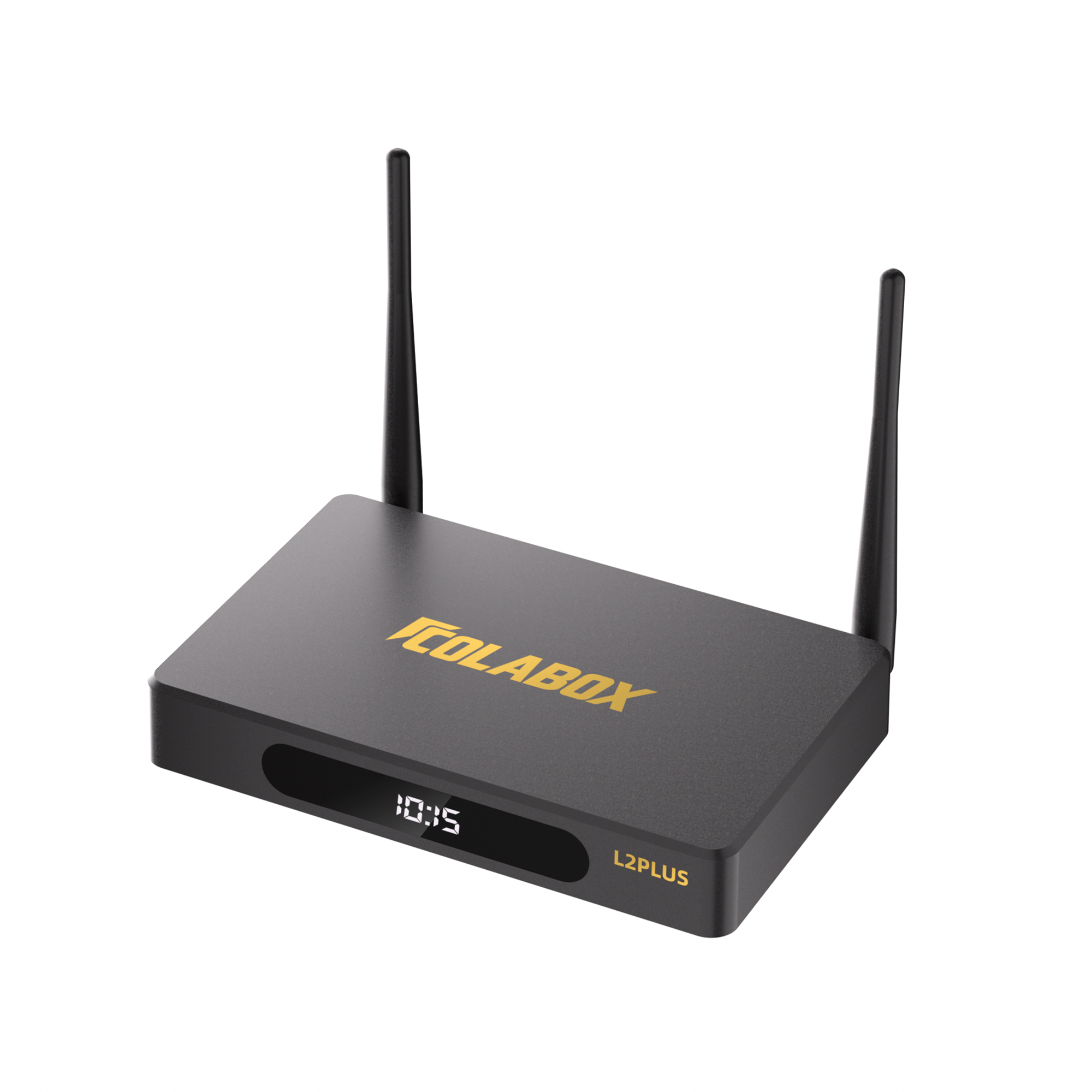
2026 COLABOX L2 PLUS
$309.00
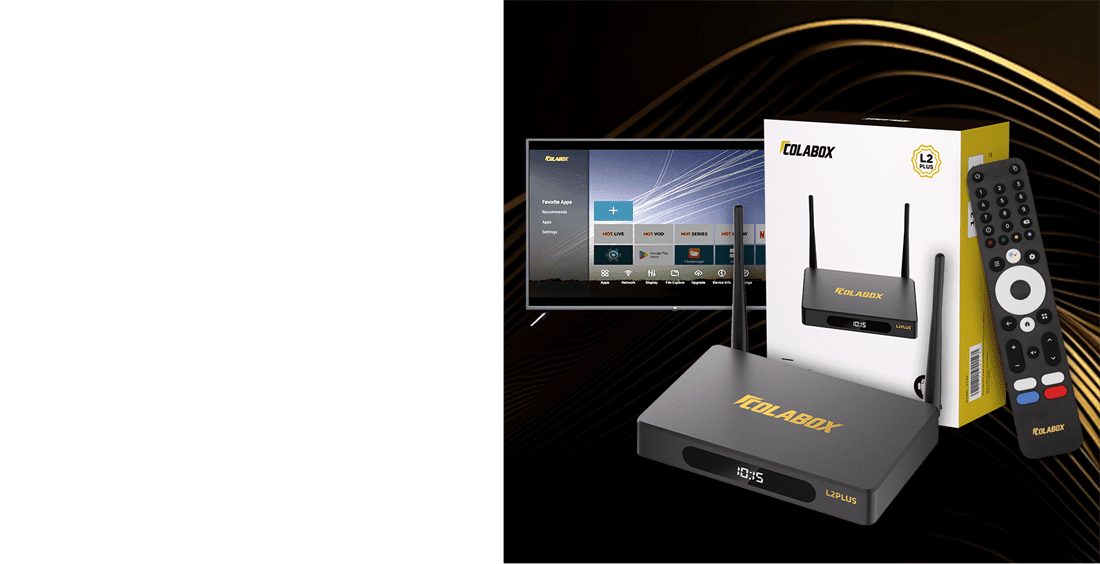
COLABOX L2 Plus is an Android 14 media player for compatible apps and home entertainment.
4GB RAM, 64GB storage, HDMI, Wi-Fi 5 (802.11ac), and Ethernet connectivity.
Ships from the U.S. Estimated delivery: 3–5 business days within the U.S.
30-Day Returns and 1-Year Warranty. App availability and third-party service terms may vary.
492 in stock
Description
COLABOX L2 Plus is an Android 14 media player built for everyday home entertainment. It is designed to connect to a compatible screen through HDMI and support compatible Android apps.
Product Highlights
- Android 14 operating system
- 4GB RAM and 64GB storage
- HDMI connection for compatible screens
- Wi-Fi 5 (802.11ac) and Ethernet connectivity
- Remote control included
- Compact hardware for living rooms, bedrooms, offices, and travel setups
Important Note
COLABOX is hardware. It does not provide, host, or sell copyrighted streaming content. Third-party apps and services are subject to their own terms, availability, and subscription requirements.
Only logged in customers who have purchased this product may leave a review.
Related products

Ships from the U.S.
Estimated delivery: 3–5 business days within the U.S.
30-day returns
See the Return Policy for eligibility and conditions.
1-year warranty
Official manufacturer warranty included.
24/7 support
Local support team, always available.
Specifications
EVERYTHING YOU NEED. READY OUT OF THE BOX.
COLABOX L2 Plus keeps the setup familiar: HDMI to your TV, Wi-Fi or Ethernet to your home network, and a remote that is easy to understand from the couch.Hardware details
- Operating system
- Android 14
- Processor
- GK63 quad-core 64-bit ARM Cortex A55
- Memory
- 4GB RAM
- Storage
- 64GB internal storage
- Network
- Dual-band 2.4G/5G Wi-Fi and RJ45 Ethernet
- Bluetooth
- Bluetooth 5.0 remote support
- Ports
- HDMI, USB, LAN, AV out, optical audio, TF card
- Display
- Up to 4K output with HDR-capable playback
- Power
- DC 12V / 1A adapter
Plug & play in the box
- COLABOX L2 Plus media player
- Remote control
- HDMI cable
- Power adapter
- User manual
- Protective packaging
Shipping & returns
- Ships from the US warehouse
- Orders can ship within 24 hours
- Typical delivery in 3-5 days
- 30-day return window
- 1-year hardware warranty
- Email and WhatsApp support
Featured reviews & tutorials
Learn the setup before it arrives.
Use these guides to understand what is included, how setup works, and how to get help when needed.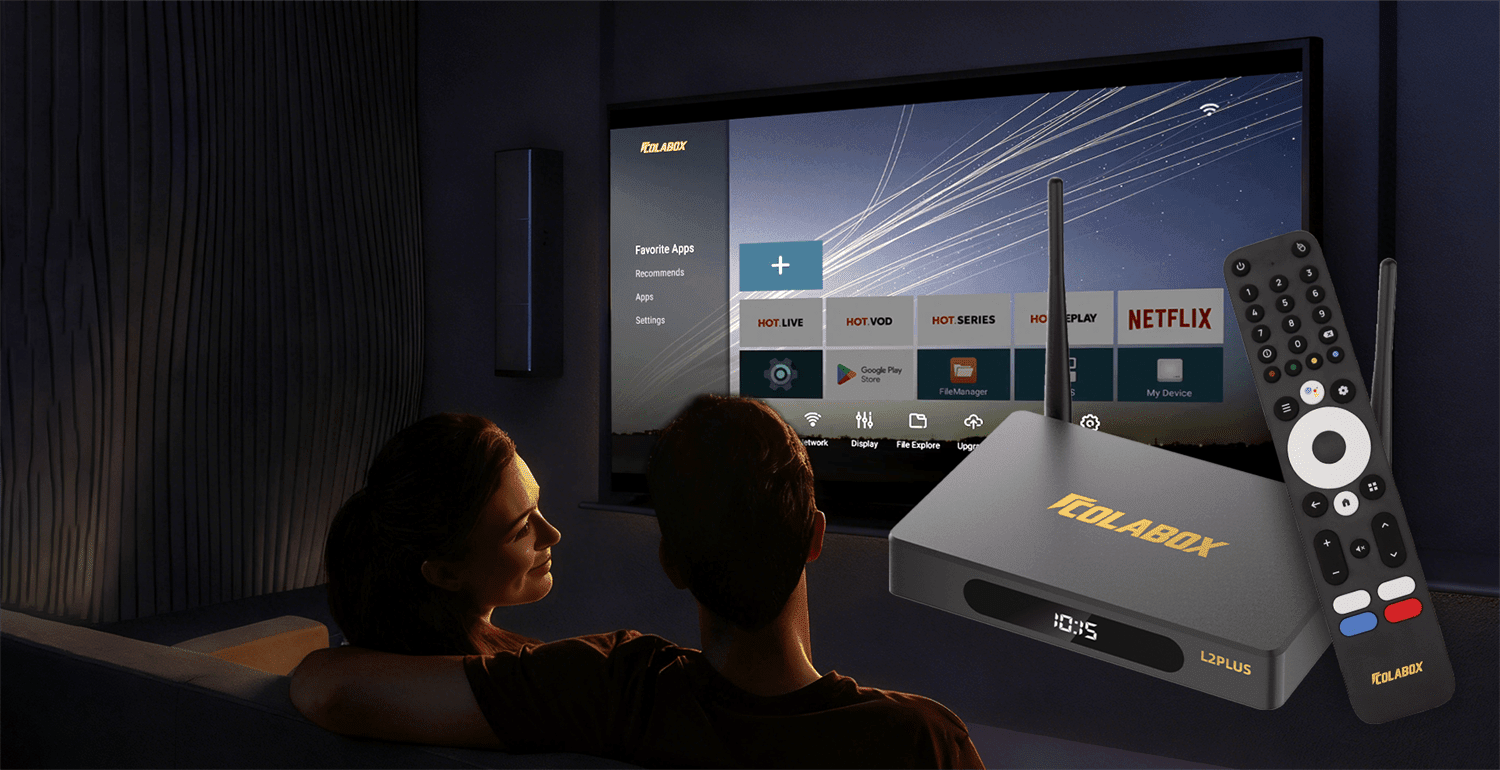 User manual
COLABOX L2 Plus Complete User Manual & Setup Guide
Unboxing, ports, remote pairing, network configuration, apps, display settings, and troubleshooting.
Read guide →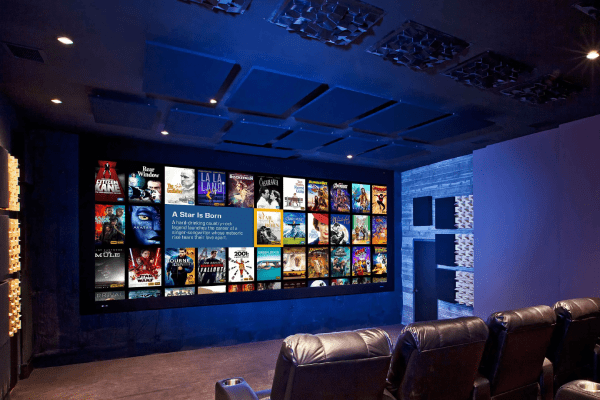 Setup tutorial
COLABOX L2 Plus Complete Setup Guide
Follow the first-time setup flow for Wi-Fi, Ethernet, display, audio, and everyday navigation.
Read guide →Everything you love. One device.
Browse faster by the way you watch.
Jump into familiar categories and use the channel directory when you want to search by name, region, or language.Sports apps
NFL, NBA, UFC, soccer, regional sports, and game-day networks.
Movies & shows
Movie nights, drama, replay channels, and entertainment favorites.
24/7 news
National news, local stations, weather, and regional coverage.
International
Explore language and region-based programming for the whole home.
Kids & family
Family-friendly options for shared rooms and weekend downtime.
Music & radio
Music, radio, and background entertainment when the TV is already on.
Quick setup
From box to binge in 60 seconds.
No cable appointment. No complicated install. Just connect the box and follow the on-screen steps.Plug in
Connect COLABOX to your TV with the included HDMI cable and power adapter.
Connect
Use Wi-Fi or Ethernet based on the network setup that works best in your home.
Watch
Use the remote to browse apps, channels, and the content your household uses most.
Have your Wi-Fi password ready, connect HDMI first, then choose the display and audio settings that match your TV.
Cost comparison
How much will you save?
Use one simple device setup for everyday entertainment with compatible apps you choose.Traditional setup
- Cable TV
- $150+/mo
- Streaming add-ons
- $28/mo
- Setup friction
- Multiple remotes
With COLABOX
- Current device price
- $309.00
- COLABOX service plan
- Not required
- Setup
- One box, one remote
One-time hardware purchase; no required COLABOX service plan.
Third-party apps and services may have separate fees and terms.Auto-replay feature
Replay support for compatible content.
When supported by the app or channel provider, replay recent programming through compatible playback features.Pause life, not the game
Catch up on sports, news, and shows when the timing is not perfect.
Find recent programming
Use supported replay options without a separate DVR box when available.
Built for busy homes
Helpful for families, shared rooms, and anyone who watches on their own schedule.
Crystal clear, beautiful picture
Enjoy stunning picture quality that is easy on the eyes.
- Up to 4K output for compatible screens
- HDR-capable playback with supported content
- Stable Wi-Fi or Ethernet connection
- Simple display settings for everyday use
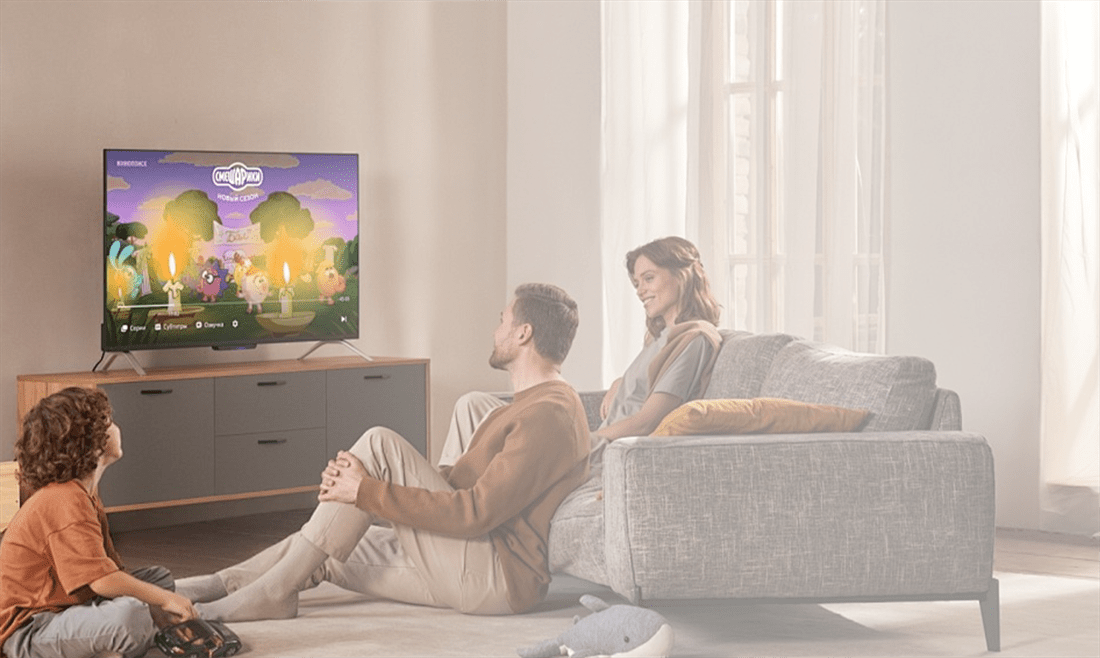
Designed for familiar control
Simple controls you will love using.
- Remote-first navigation for couch-side browsing
- Quick access to the apps and channels you use most
- Responsive menus for smoother everyday use
- Compact hardware that fits beside your screen
Still choosing?
Open the FAQ, compare COLABOX with other TV boxes, or message support before you order.
Reviews
There are no reviews yet.